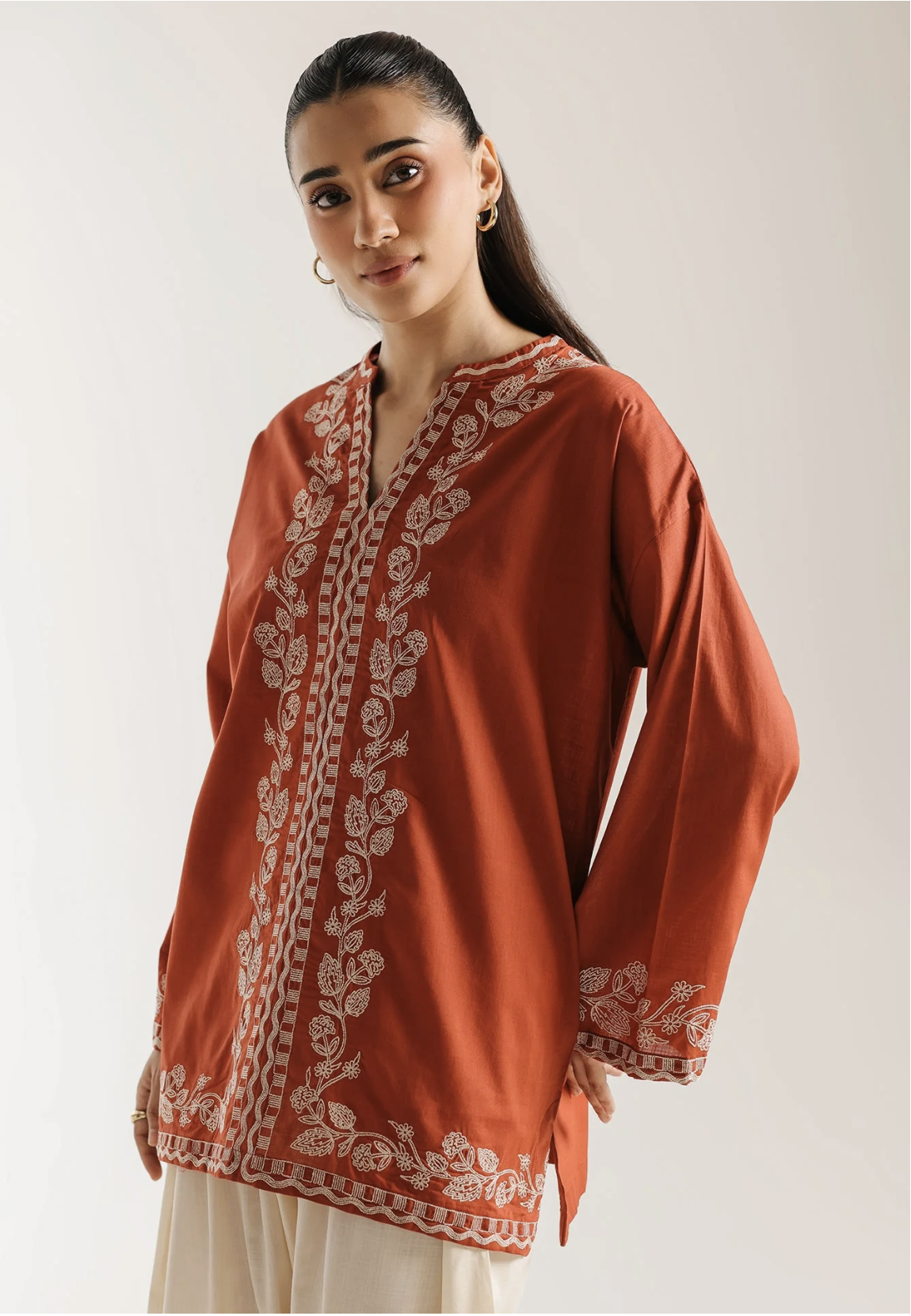
Enable Try-On

Select which Shopify products show the SeeItOnYou button.

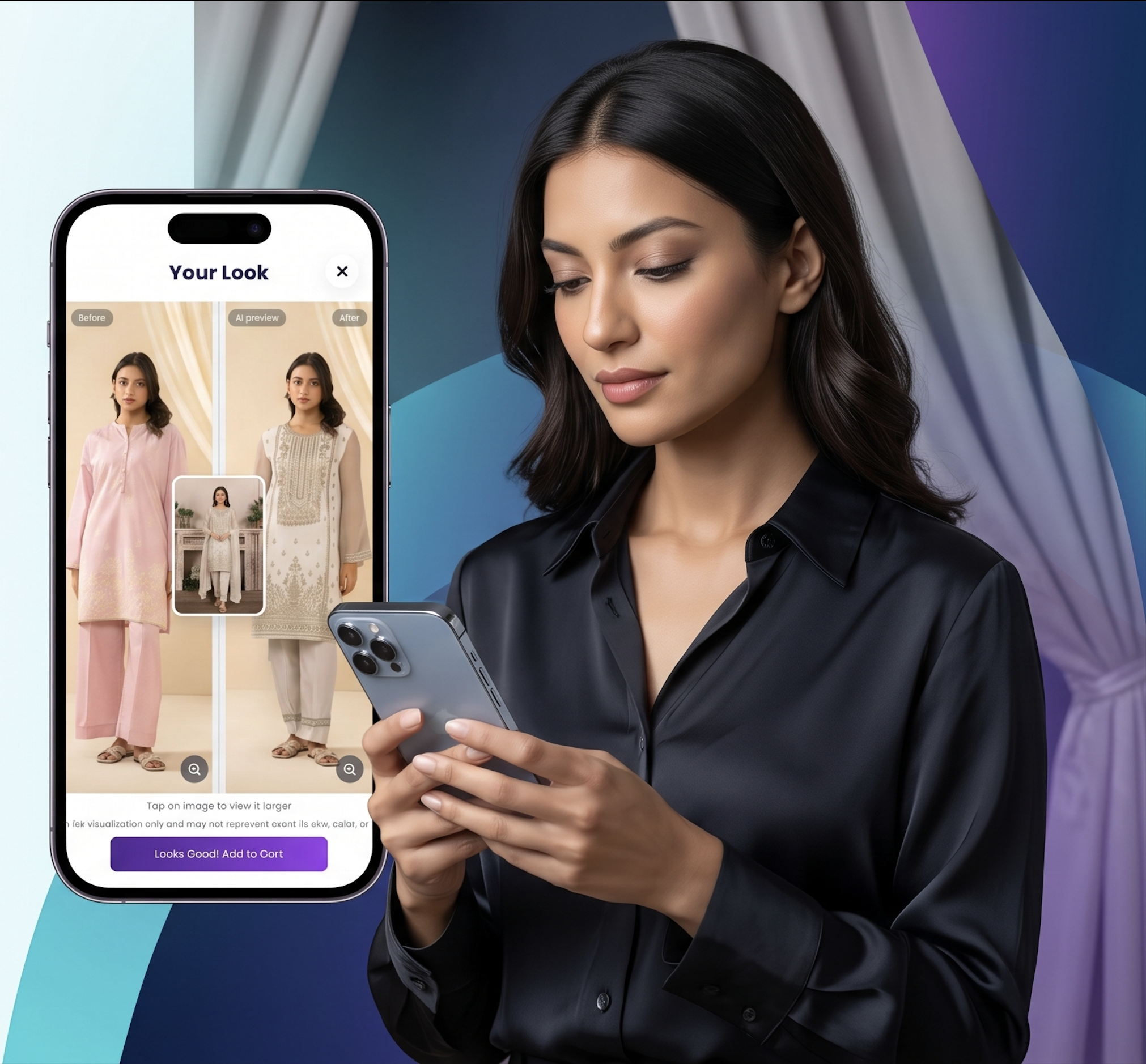
SeeItOnYou is an AI virtual try-on app for ecommerce stores. Customers upload a photo and generate a personalized preview of how selected products may look on them.
<0s
average AI try-on preview generation time
0
ecommerce platforms supported — Shopify, WordPress & WooCommerce
0+
visual commerce categories supported
0
simple steps to launch try-on on your store
Product photos are useful, but they do not always answer the most important customer question:
“How will this look on me?”
That uncertainty can slow buying decisions, increase cart abandonment, and create friction before checkout.
SeeItOnYou adds a simple AI try-on button to your Shopify product pages. No complex 3D setup. No custom development. No heavy AR installation.
Select which Shopify products show the SeeItOnYou button.
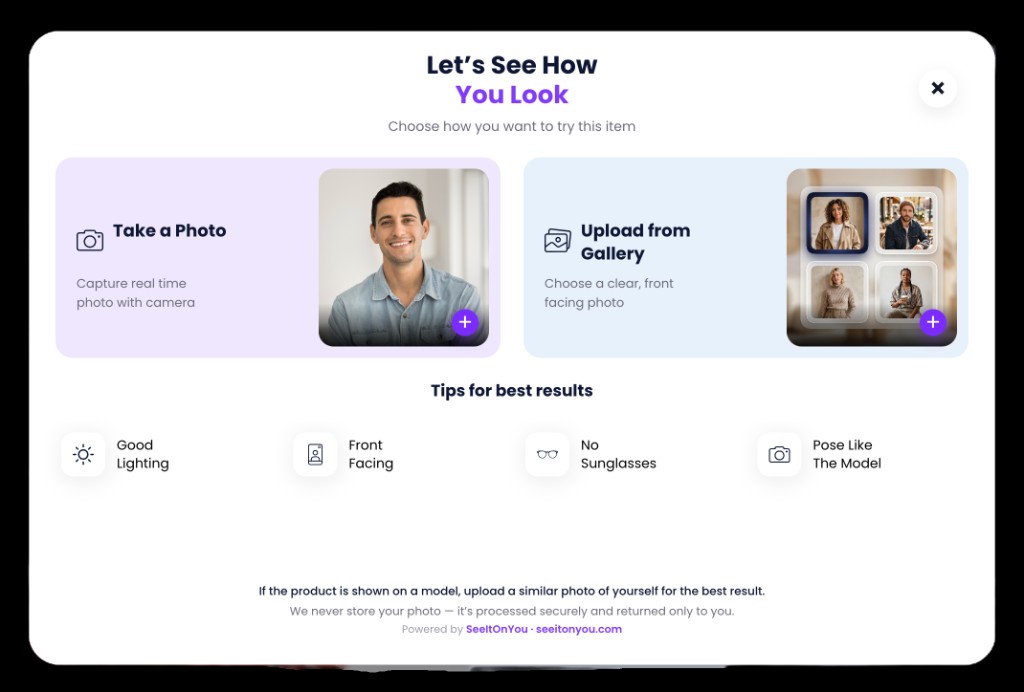
Customers upload a clear photo from the product page.
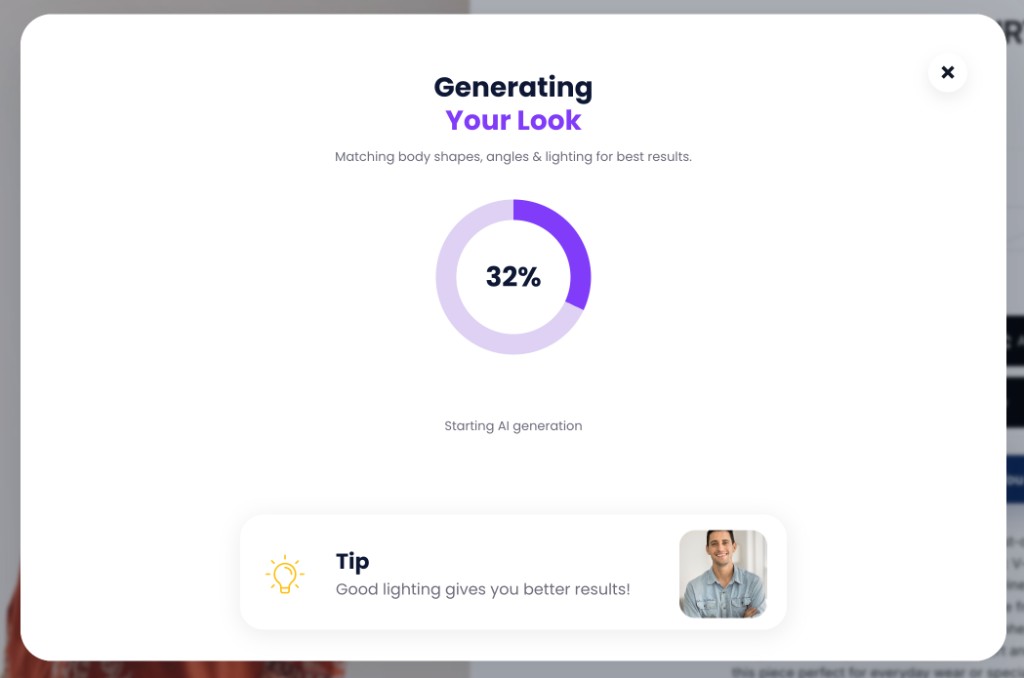
The shopper photo and product image become a personalized try-on.
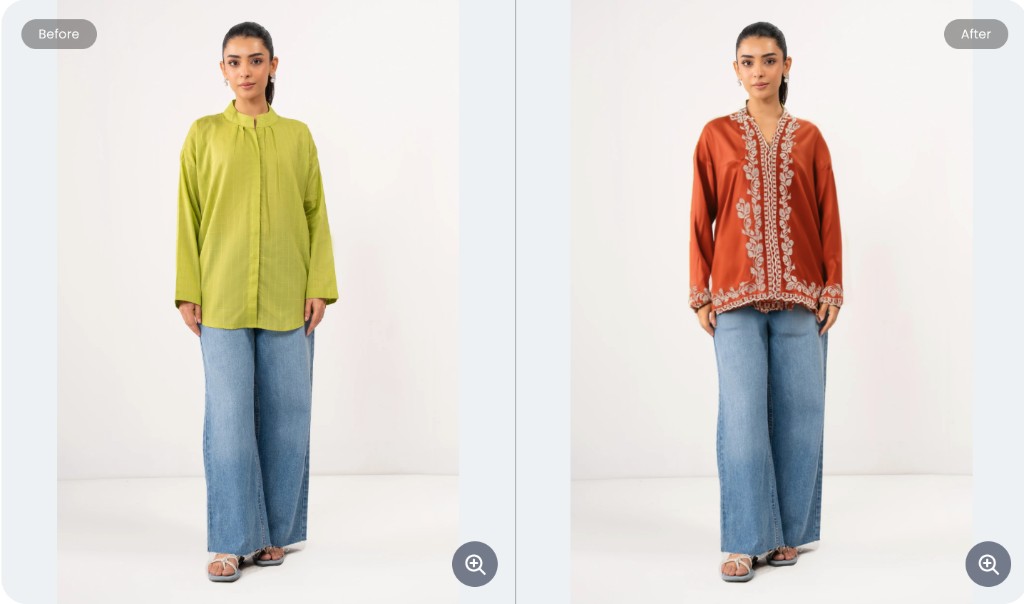
View, try another product, add to cart, save, or share.
Add a clear “See It On You” button to selected Shopify product pages.
Allow shoppers to upload their own photo and generate a product preview.
Generate personalized images showing selected products on the shopper.
Track try-ons, product engagement, add-to-cart, and assisted revenue signals.
Control AI generation costs with monthly try-on limits and credit-based plans.
Give customers clear consent, image handling transparency, and deletion options.
A more personal way to see how products may look on them.
Interactive product pages keep customers engaged longer than static images.
A personalized preview can help reduce hesitation before checkout.
Try-on activity shows which products shoppers are actively considering.
Identify high-interest products, popular categories, and conversion gaps.


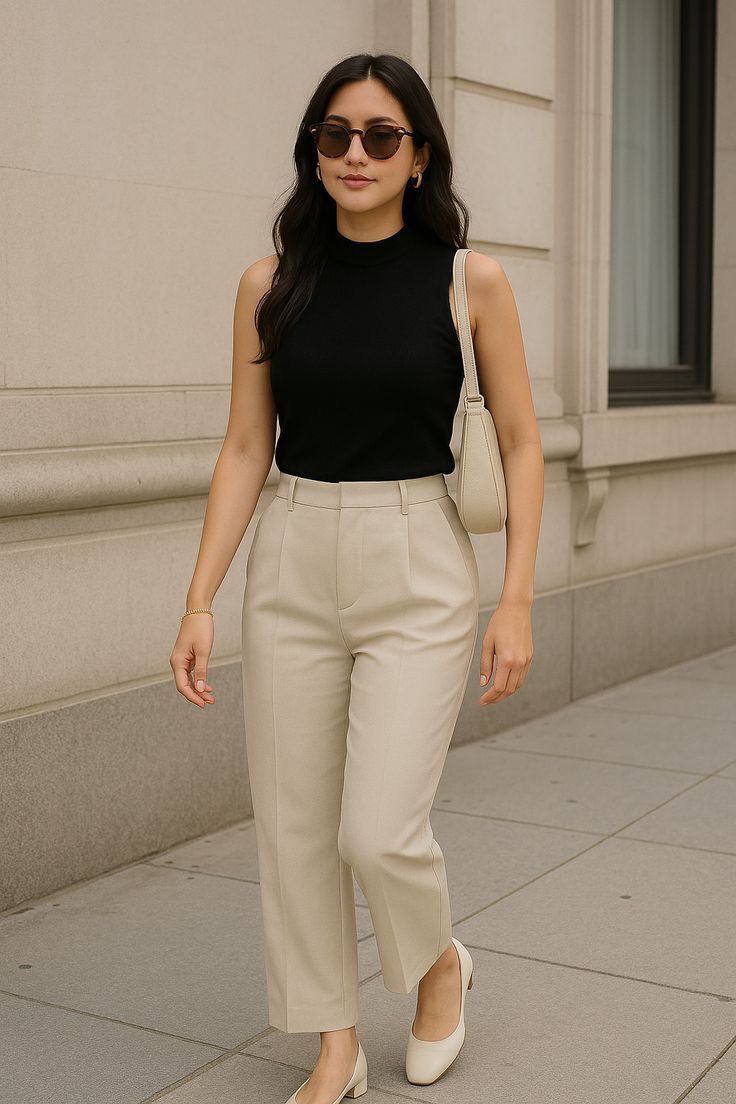
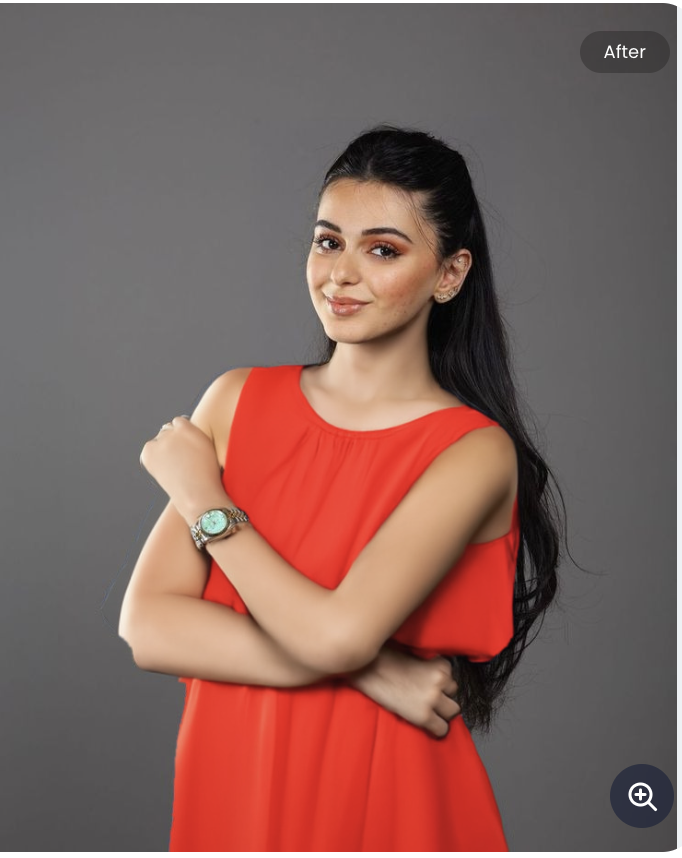
Preview tops, dresses, jackets, hoodies, and fashion products.

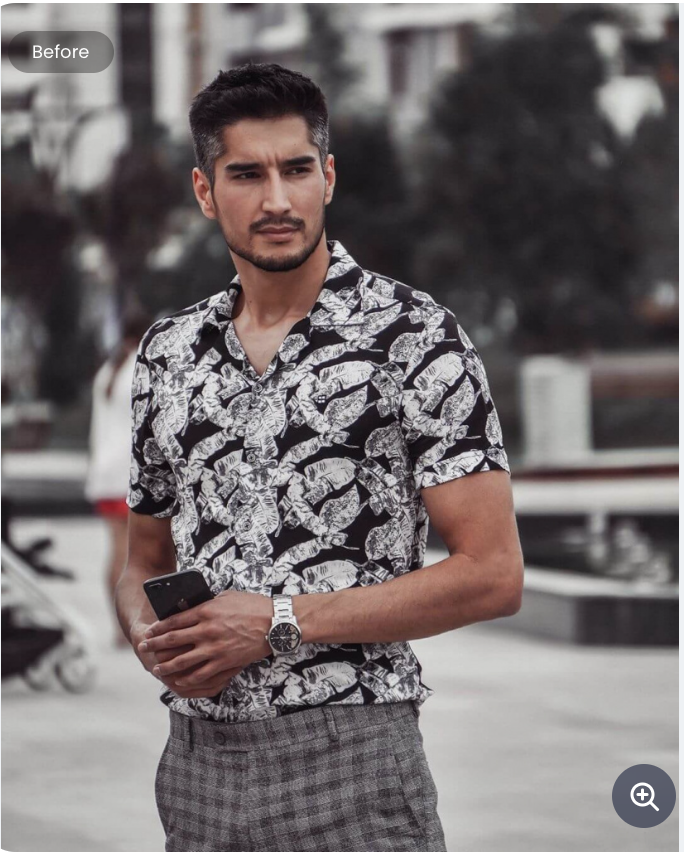
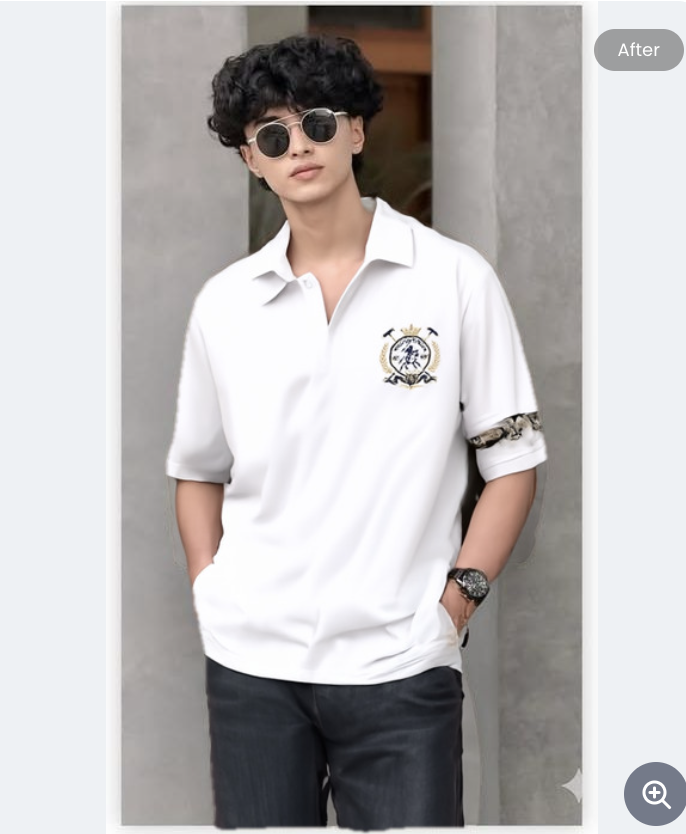
Preview polos, shirts, and fashion products.
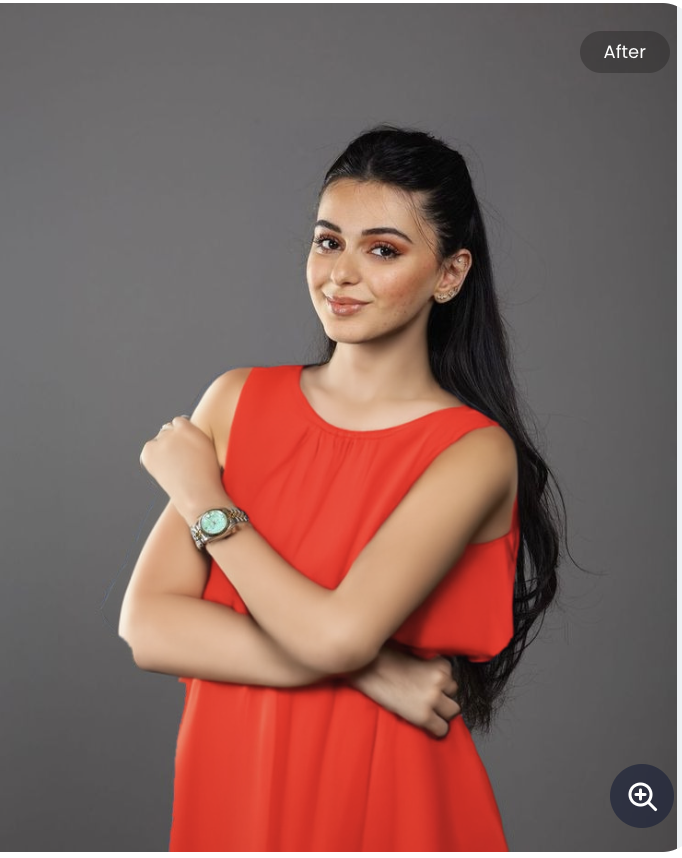
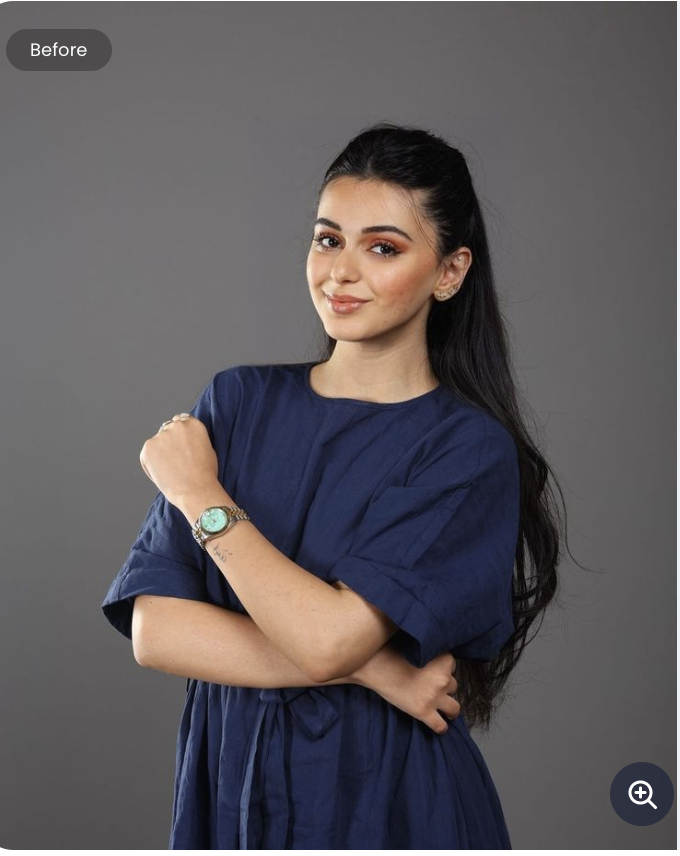
Preview tops, dresses, jackets, hoodies, and fashion products.
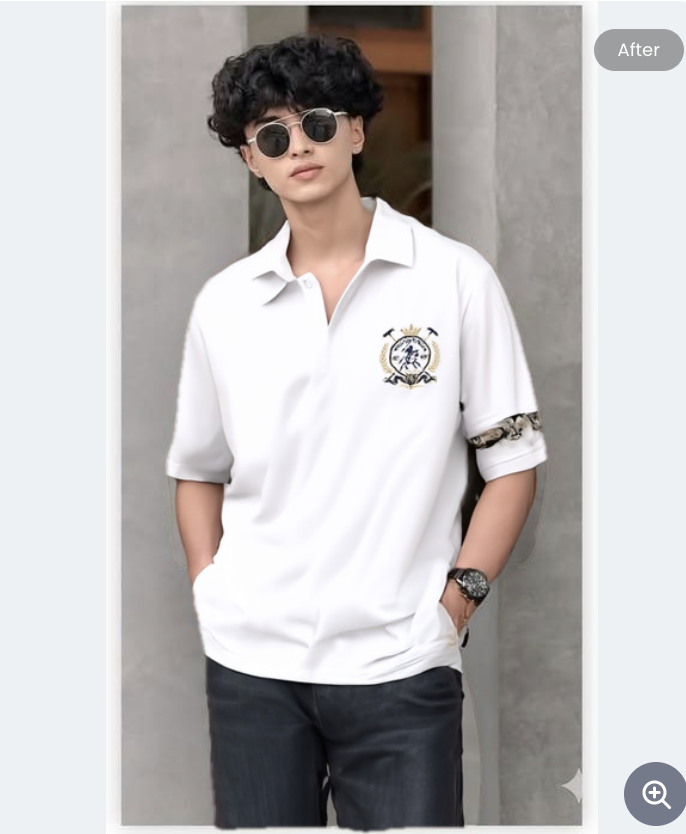
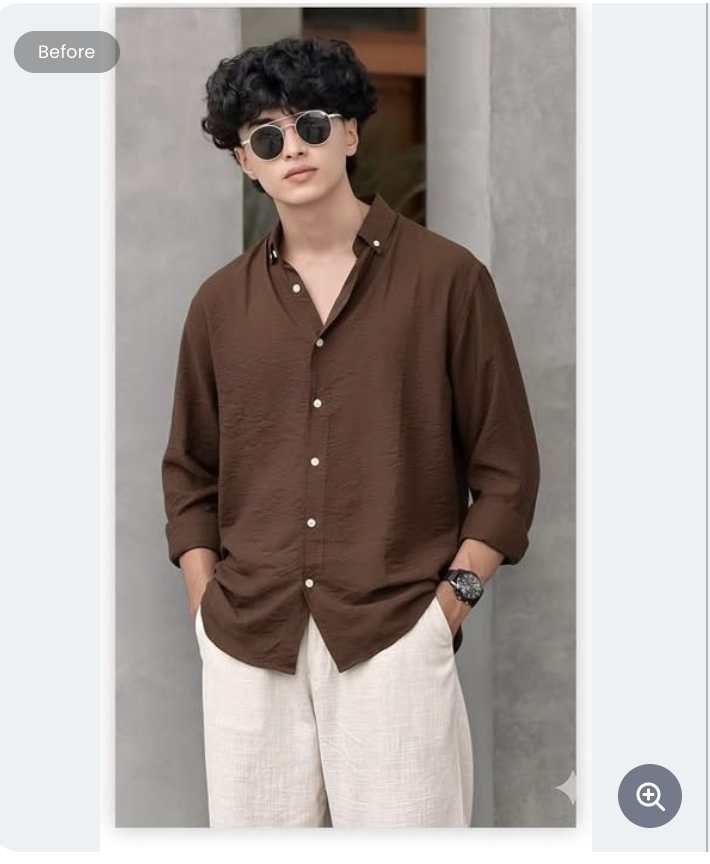
A more personalized journey for appearance-driven products.
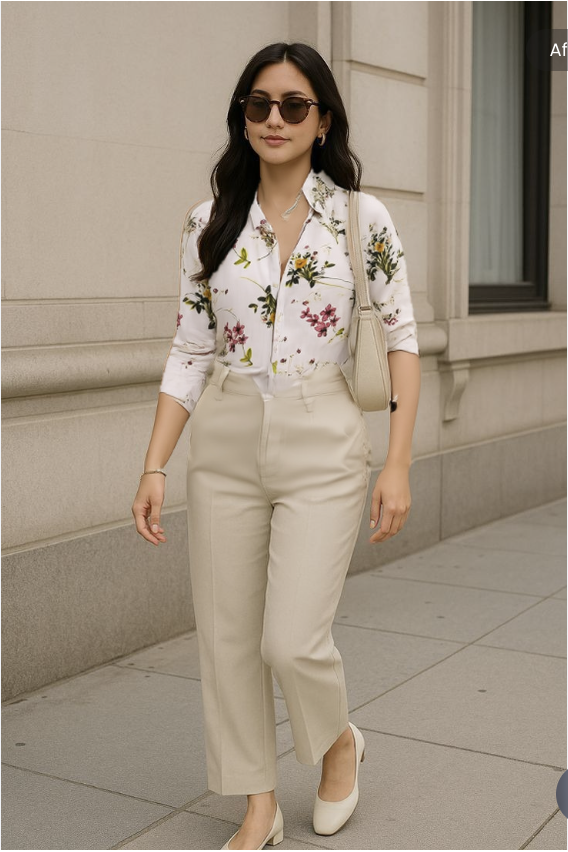
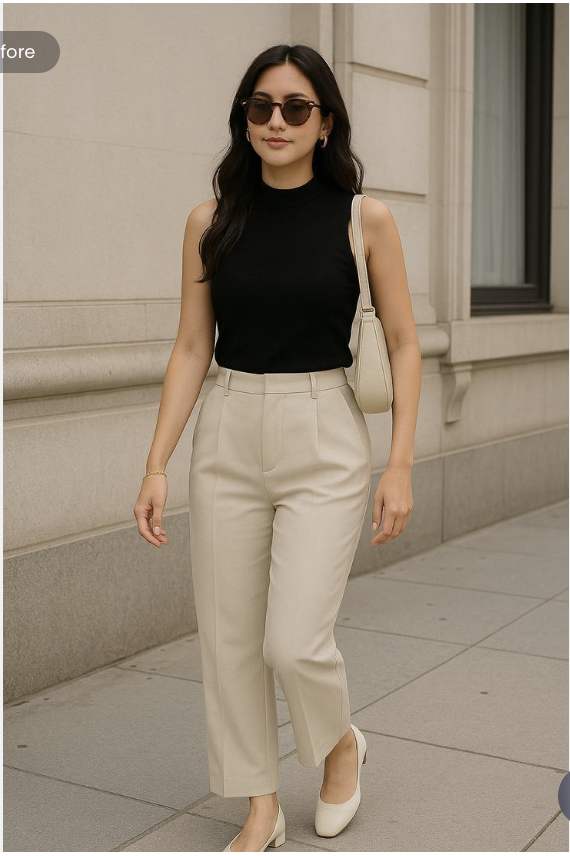
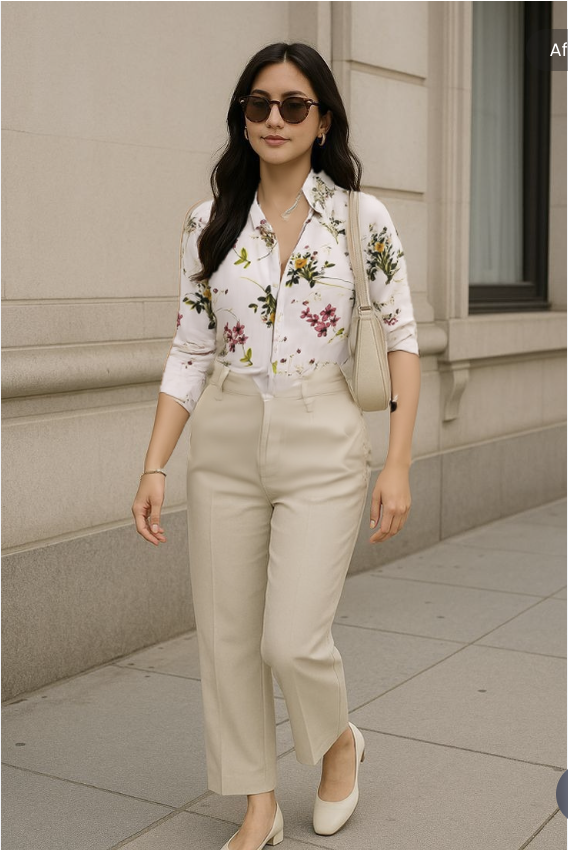
Preview shirts, blouses, and styled tops on the shopper.
Launch AI try-on on Shopify, WooCommerce, and BigCommerce with integrations built for modern ecommerce workflows.
SeeItOnYou is designed as a Shopify app that integrates with your store’s product pages. Enable try-on for selected products, customize the widget, and track customer interaction from the app dashboard.

The power of AI try-ons for WordPress and WooCommerce. Add virtual try-on to product pages, manage eligible products, and track shopper engagement from your merchant dashboard.

Bring AI try-on to BigCommerce product pages. Enable selected apparel products, customize the storefront widget, and track shopper engagement from your merchant dashboard.

SeeItOnYou is designed with privacy-first image handling for Shopify, WordPress, and WooCommerce stores. Customer photos are used to generate try-on previews and should not be used for model training unless explicit consent is provided.
Read privacy policySeeItOnYou is an AI virtual try-on app for Shopify stores. Shoppers upload a photo on a product page and the app generates a personalized preview showing how the selected product may look on them.
A merchant installs the SeeItOnYou Shopify app, enables try-on for selected products, and adds a “See It On You” button through a Shopify theme app extension. Customers upload a photo on the product page and an AI generates a try-on preview.
No. SeeItOnYou produces AI-generated visual previews to help shoppers visualize products. Results should not be presented as exact sizing, measurement, or fit guarantees.
Yes. Customer photos are used only to generate try-on previews and are not used for AI model training unless explicit consent is provided. Shoppers can delete uploaded images and generated results.
Let your customers see your products on themselves before buying.